

Firstly, head to Import from a CSV file. You can reach this page by clicking on the "Add or import" button on the testimonials page.
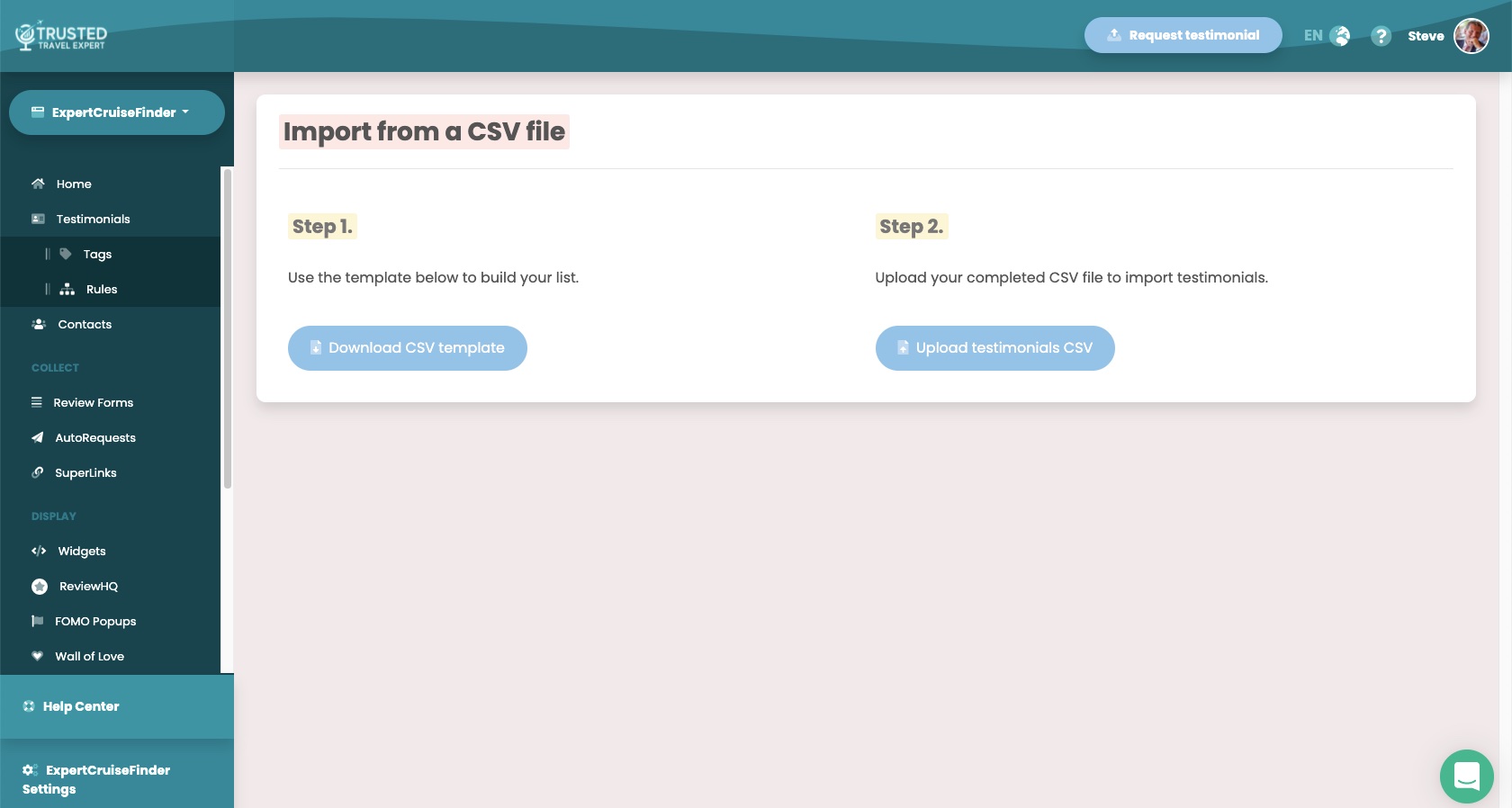
Step 1
Click the "Download CSV template" button to save a file to your computer that reflects the fields you set up in your Review Form.
The CSV template will look like this:

Add as many rows containing your customer data to the file as you like and then save it.
Step 2
Upload your completed CSV file to Endorsal using the "Upload testimonials CSV" button and allow the importer to pull through your testimonials.
Once complete, you'll be able to see your freshly imported testimonials on the testimonials page.
Congratulations, you've imported your existing testimonials!